AI is rapidly changing the way tax professionals approach research, documentation, review, and workflow management.
This practical course will show CPAs, tax preparers, accountants, and other tax professionals how Claude can be incorporated into everyday tax-return workflows involving Forms 1040, 1120, and 1065—while keeping professional judgment, accuracy, confidentiality, and compliance at the center of the process.
What You Will Learn:
During this practical session, you will explore how Claude can help tax professionals:
- Organize and analyze tax-return information
- Structure information received from clients
- Assist with Form 1040 workflows
- Assist with Form 1120 workflows
- Assist with Form 1065 workflows
- Summarize tax documents and supporting information
- Identify missing information and follow-up questions
- Create preliminary workpapers and checklists
- Assist with tax research and issue identification
- Review information for potential inconsistencies
- Draft client communications and information requests
- Create repeatable AI-assisted tax workflows
- Improve efficiency while maintaining professional review and oversight
Session Highlights:
After attending, participants should have a better understanding of:
- Where Claude can fit into a tax workflow
- How to structure effective prompts for tax-related tasks
- How to work with large amounts of client information
- How to create repeatable workflows
- How AI can assist with tax-return review
- Where human review remains essential
- AI accuracy, privacy and confidentiality considerations
- Common risks and limitations when using AI for tax work
Why Tax Professionals Should Attend:
Tax preparation involves repetitive information processing, document review, research, client communication, and quality-control procedures.Claude can assist with many of these activities—but AI should support the tax professional rather than replace professional judgment.
This course focuses on practical ways to incorporate AI into your workflow while understanding its limitations and the importance of independently verifying tax conclusions.
Practical Focus on 1040, 1120 & 1065
- Form 1040: Explore AI-assisted workflows for individual tax engagements, including organizing client information, reviewing documents, identifying missing information, and preparing structured worklists.
- Form 1120: Learn how Claude can assist with corporate tax-return workflows, documentation, review procedures, and information organization.
- Form 1065: Explore ways to use AI to organize partnership information, create review checklists, identify follow-up items, and streamline recurring workflow processes.
Credits and Other information:
- Recommended CPE credit – 2.0
- Recommended field of study – Information Technology
- Session Prerequisites and preparation: None
- Session learning level: Basic
- Location: Virtual/Online
- Delivery method: Group Internet Based
- NASBA Sponsor: 146439
- IRS Course ID: PJGWS-T-00144-26-O
- Attendance Requirement: Yes
- Session Duration: 2 Hours
- Case Studies and Live Q&A session with speaker
- PowerPoint presentation for reference
Who Should Attend:
- CPA & Accounting professionals who want to work smarter and faster
- Bookkeepers seeking automation in daily processes
- Finance managers modernizing their reporting workflows
- Auditors and compliance professionals streamlining review tasks
- Students and graduates entering accounting or finance
- Freelancers offering bookkeeping and financial services
- Entrepreneurs managing their own financial records
- Professionals transitioning into AI-driven finance roles
- Anyone curious about Claude’s role in accounting
- Tax professionals
Coder Archives is registered with the National Association of State Boards of Accountancy (NASBA) as a sponsor of continuing professional education on the National Registry of CPE Sponsors. State boards of accountancy have final authority on the acceptance of individual courses for CPE credit. Complaints regarding registered sponsors may be submitted to the National Registry of CPE Sponsors through its website: www.nasbaregistry.org.
Speaker Profile
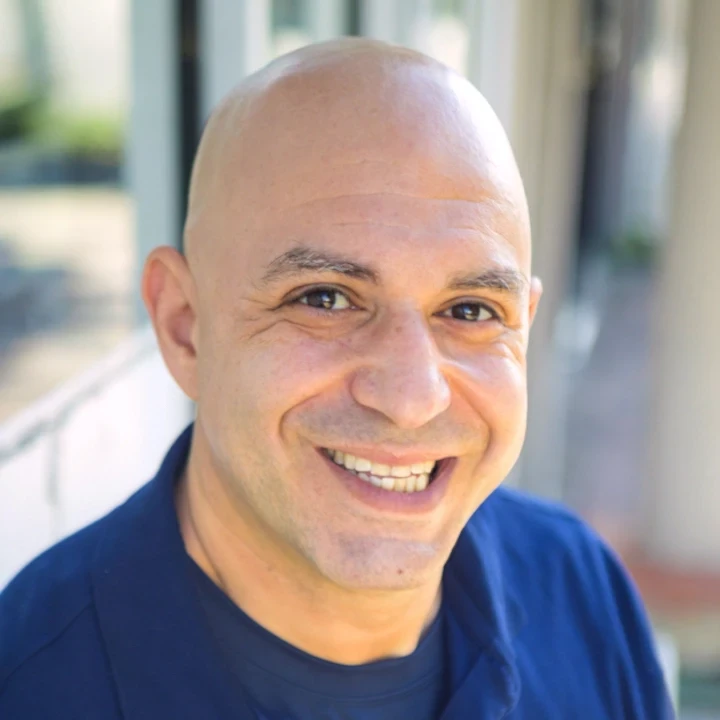
Justin brings over 20 years of wide-arranging experience in compliance, training and regulations. He has served as Head of Compliance Training at Bank of China, Macquarie Group’s Head of Americas Compliance Training and JPMorgan Chase’s Compliance Training Manager.Justin also worked for FINRA, a US regulator, where he created Examiner University to train examiners on how to perform their function.
Credits and Other information:
- Recommended CPE credit – 2.0
- Recommended field of study – Information Technology
- Session Prerequisites and preparation: None
- Session learning level: Basic
- Location: Virtual/Online
- Delivery method: Group Internet Based
- NASBA Sponsor: 146439
- IRS Course ID: PJGWS-T-00144-26-O
- Attendance Requirement: Yes
- Session Duration: 2 Hours
- Case Studies and Live Q&A session with speaker
- PowerPoint presentation for reference
We are approved to provide CPE/CE credits to Tax Professionals
We reports the educational credits to the respective licensing/regulatory bodies in 5 business days.
The credentials to log into your account is your EMAIL ADDRESS & PASSWORD used during account creation.
- If you’ve forgotten your password, please go to the login page and click on the ‘Forgot Password.’ Then enter your registered email id to receive the password reset email. Click on the link given in the email to enter your new password.
- If the face any challenge, please reach out to us via email support@pro2learn.com or contact our support team through live chat support. Our support line is 1-937-865-8027.Our support team is available Monday to Friday from 09:00 AM – 06:00 PM EST/EDT
When you register for any of our webinars/product, you receive will the instruction 24 hours prior to the conference. Also, the instructions are avilable in your account under ‘My Webinars’ section.
You can cancel your registration to by email at support@pro2learn.com. If you cancel your registration for the paid webinar, the amount shall be credited back in your payment method within 7 business days.
The conference materials are available 4 hours prior to the webinar. You can download it from the webinar page or by logging to your account.
Our seamlessly integrated with ZOOM, WebX and, Goto for delivering continuing education webinars. The system requirements are :
- An internet connection – broadband wired or wireless
- Speakers and a microphone – built-in, USB plug-in, or wireless Bluetooth
Our package courses are the bundles of various continuing education courses which have been specially designed to meet your continuing education requirements for a particular Qualification.
- The web download is the recording of the webinar. You will receive a link to download and save the webinar on your computer and watch it anytime and multiple times.
- The transcript is the detailed written material presented during the webinar.
On demand session is when we conduct the webinar as per your available dates after the live training. You will get access to the training for 24 hours.
To access a course that you have already purchased, all you must have to create/log in to your account. Click on the "Log In" button in the top right of the screen. Once you are logged in, you will have immediate access to all your purchased CPE courses, packages and other self-service or you can write on support@pro2learn.com.
We will email your certificate within 3 working days of the end of the webinar, or you can login your account at www.pro2learn.com. If you don’t receive the email within 3 working days of the end of the webinar, check your spam/junk folder. If it’s not there, we recommend that you send us an email at support@pro2learn.com or connect over the online chatroom.